Click to download now, finish the installation quickly, and directly unlock the all-round experience
Screenshots
Click to download now, finish the installation quickly, and directly unlock the all-round experience
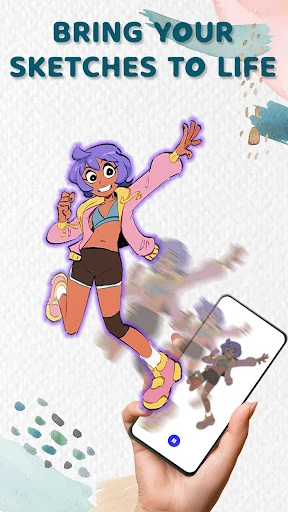
Animation Draw: Flip Maker is a frame-by-frame drawing app for creating short flipbook-style animations on an Android device. It suits beginners, casual artists, and anyone who wants to learn basic movement by drawing one image at a time rather than navigating a large, technical animation suite. Fusion Flow Tech’s app has reached 500,000+ installs and holds a 4.49 rating from 5,146 reviews, suggesting that its straightforward approach works for a sizeable audience.
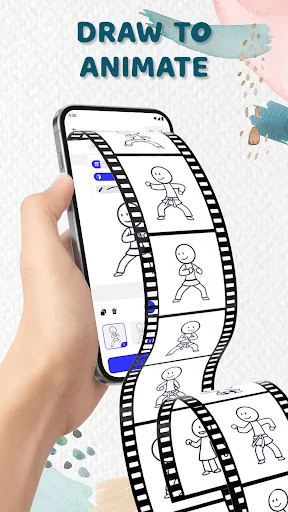
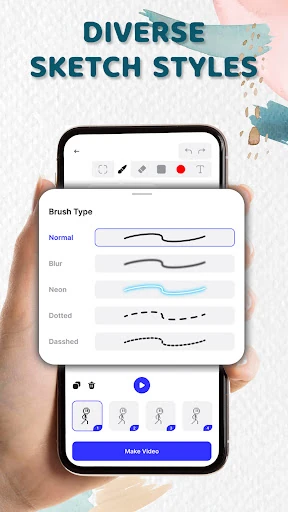
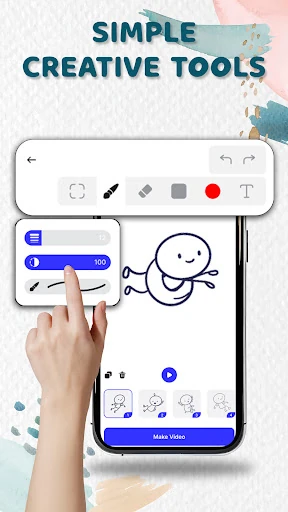
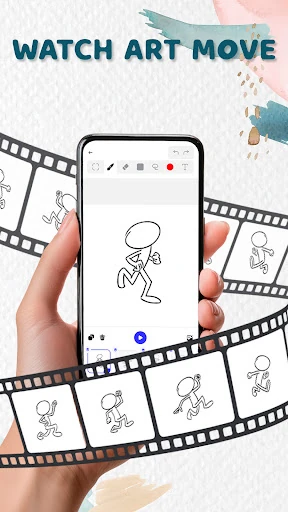
The main workspace is built around individual frames. You sketch a pose, move to the next frame, and adjust the drawing to create the illusion of motion. Onion-skin overlays help by showing a faint view of nearby frames, making it easier to judge spacing and keep a character or object from jumping between poses. Basic controls such as adjustable pen sizes and a focused colour selection keep the emphasis on drawing instead of configuration.
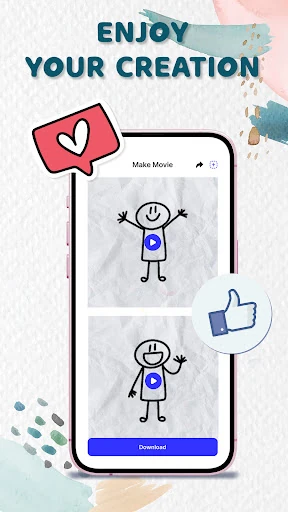
This is a practical starting point for simple loops, moving doodles, and short experiments. The flipbook format makes timing and motion easier to understand than a timeline-heavy editor can be for a first project. Previewing the sequence as it develops also gives the app a useful try-and-correct rhythm. Finished work can be exported as GIF or MP4, which covers common ways to share a small animation.
The same simplicity that makes the app approachable limits how far it can take a project. Drawing every frame can become slow for longer or more detailed scenes, and working precisely with a finger on a phone-sized canvas may test your patience. Users looking for advanced scene management, deep editing controls, or a broader production workflow may outgrow it. For quick hand-drawn animation and learning the fundamentals, however, the narrower toolset is more help than hindrance.