Click to download now, finish the installation quickly, and directly unlock the all-round experience
Screenshots
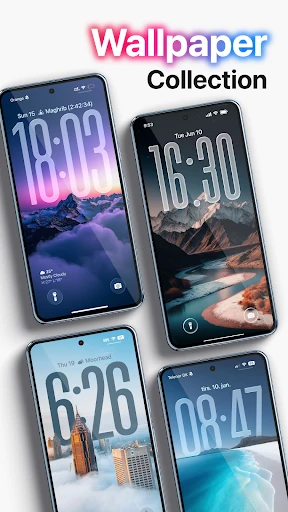
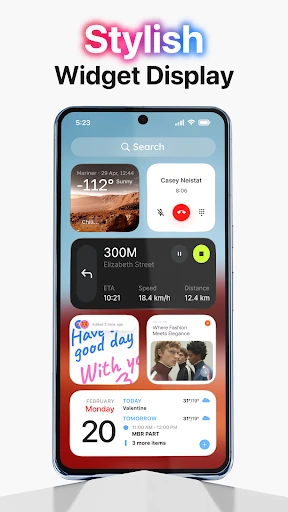
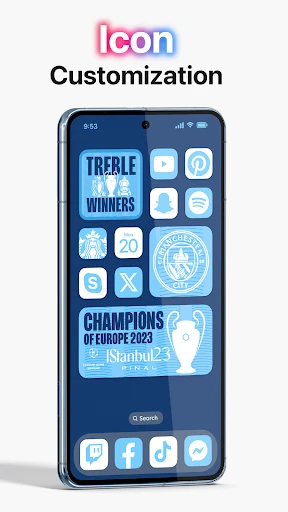
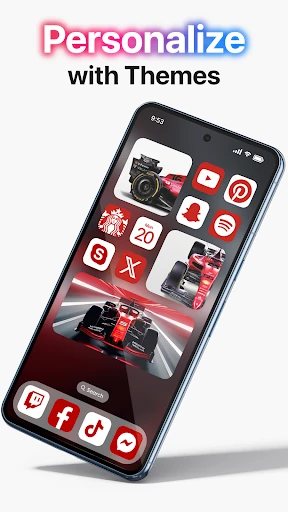
Click to download now, finish the installation quickly, and directly unlock the all-round experience
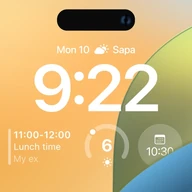
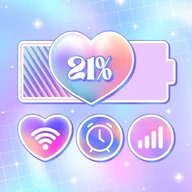
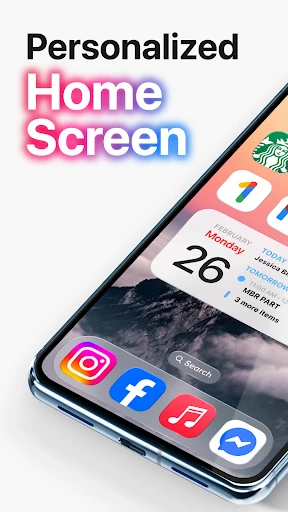
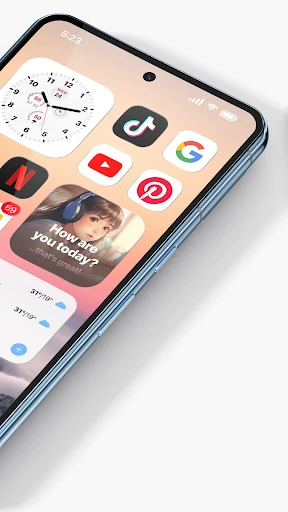
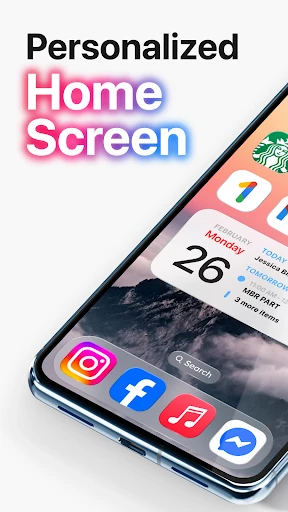
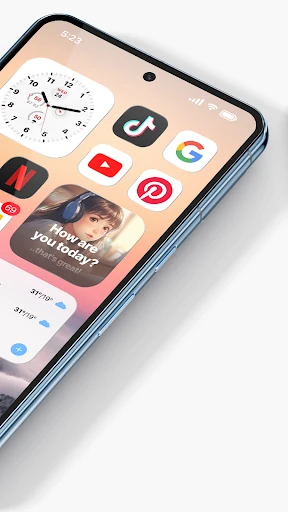
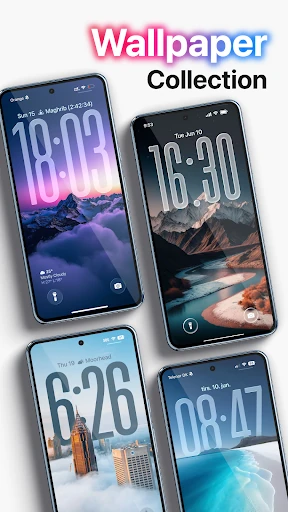
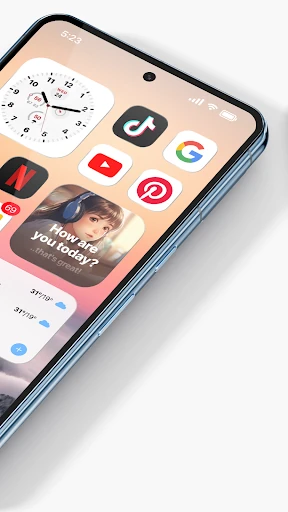
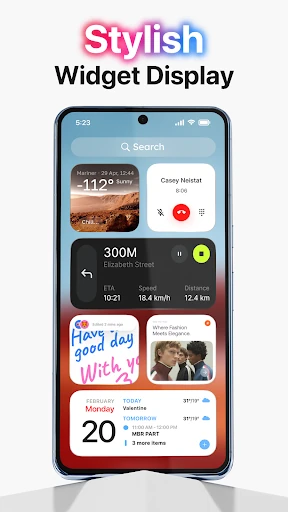
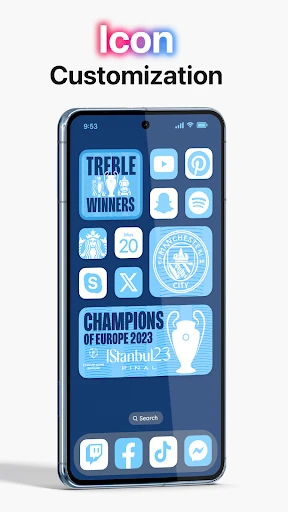
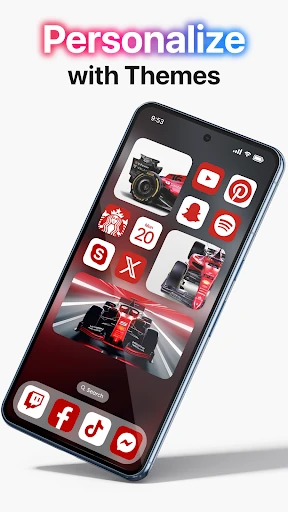
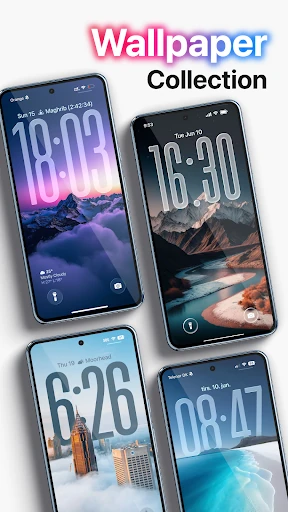
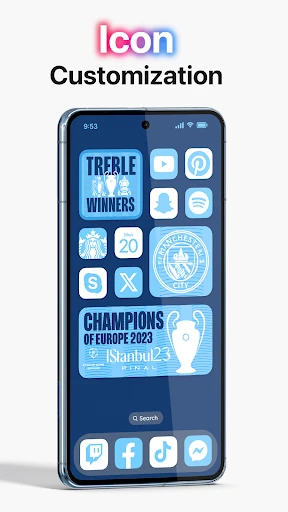
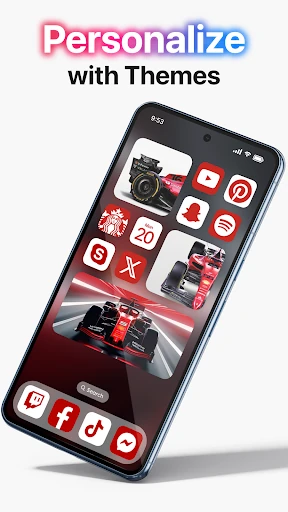
Launcher OS 2026 is a home-screen replacement for Android from Revoto. It is aimed at people who want their phone to resemble a more tightly styled mobile interface without giving up Android’s app access. The main focus is visual customization: wallpapers, icons, layouts, themes and widgets can all be adjusted from the launcher.
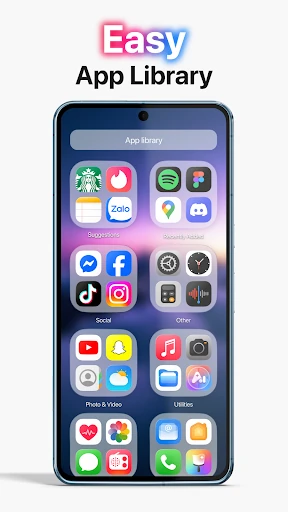
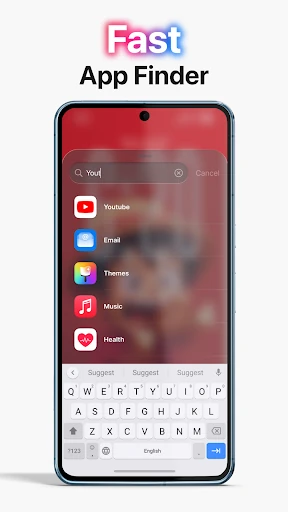
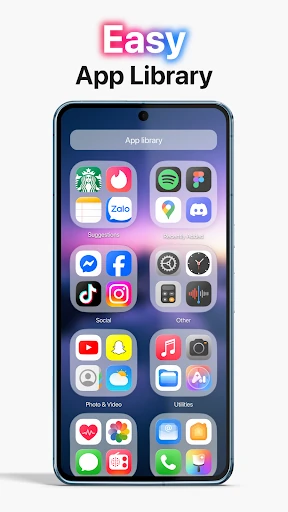
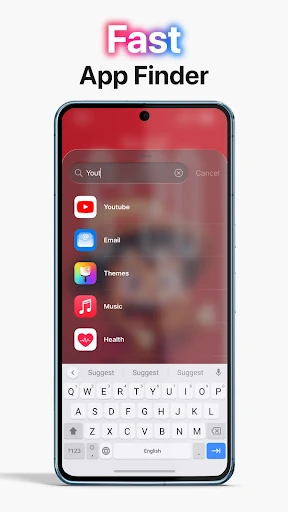
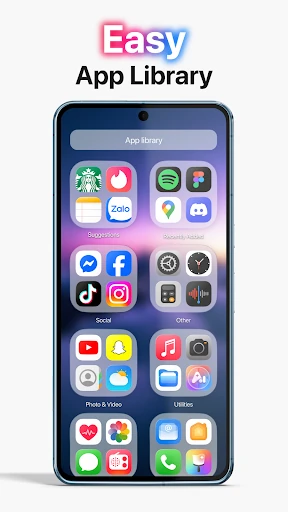
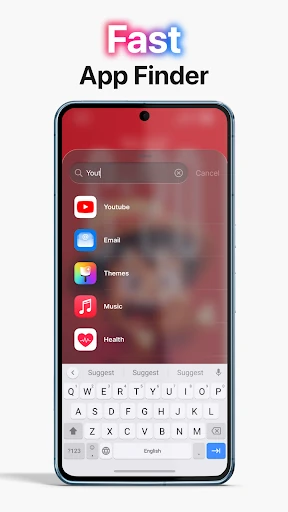
The launcher provides a swipe-down search tool for finding apps, contacts and files, which is useful when your home screen contains more than a few pages of shortcuts. You can also hide apps, restore them later, and arrange apps into custom groups through its app-library style view. Those features make it better suited to users who want a cleaner screen rather than simply another wallpaper.
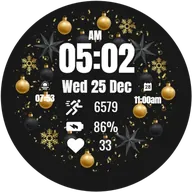
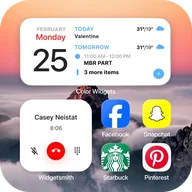
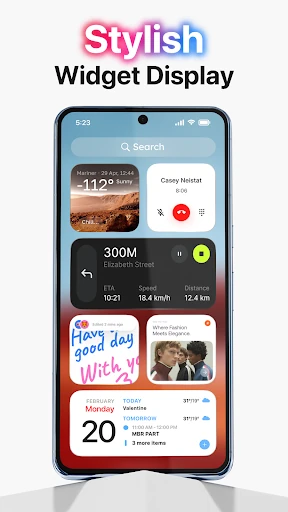
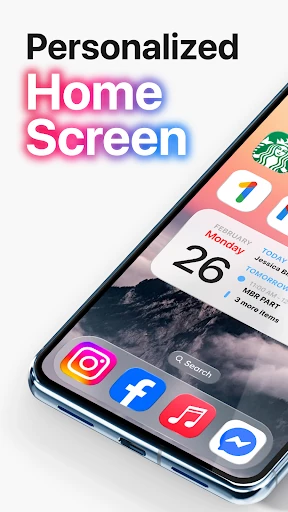
Widgets cover familiar categories including the clock, calendar, battery and weather. Photo widgets can use images from your gallery, while the built-in photo area lets you browse and select pictures for wallpapers or widget displays. The result depends heavily on how much time you want to spend arranging the screen; this is a customization tool first, not a major productivity system.
The iOS-inspired presentation will appeal to users looking for a consistent, polished look, but it may feel unnecessary if Android’s standard launcher already handles your apps well. A launcher also becomes part of everyday navigation, so extra visual layers and custom organization may take some adjustment. The more elaborate your setup, the more time it can take to maintain.
Launcher OS 2026 has passed 1,000,000 installs and holds a rating of about 3.76 from 3,827 reviews. That points to a sizeable audience, while the middling score suggests the experience is not equally convincing for everyone. It is worth considering if appearance and home-screen control matter more to you than keeping the default Android interface.