Click to download now, finish the installation quickly, and directly unlock the all-round experience
Screenshots
Click to download now, finish the installation quickly, and directly unlock the all-round experience
Mobi PDF・Editor・Scanner・Reader combines document scanning, PDF reading, editing, signing and file conversion in one Android app. It suits people who regularly handle receipts, forms, contracts, notes or business documents away from a desktop. MobiSystems publishes the app, which has 10,000,000+ installs and a 4.39 rating from 167,966 reviews.
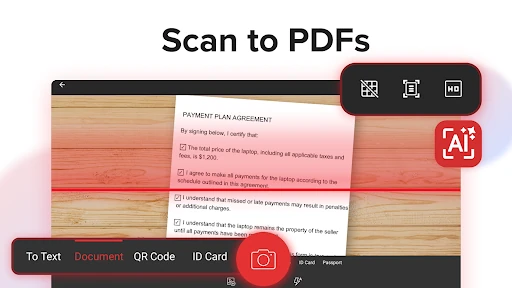
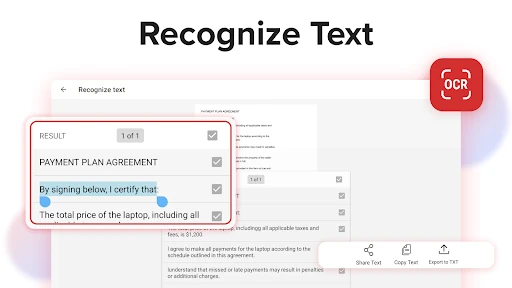
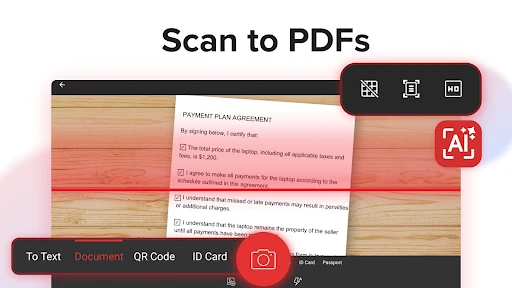
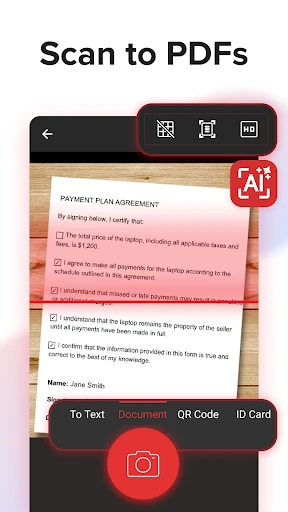
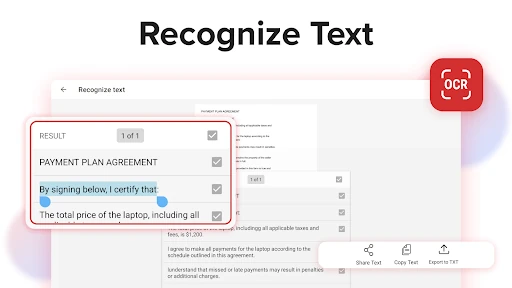
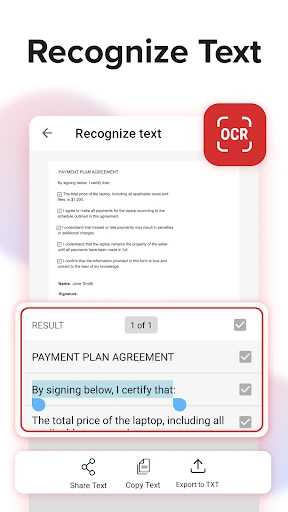
The scanner turns paper documents and images into PDFs, with edge detection intended to keep pages neatly framed. OCR can recognise text in scans and images, making the contents easier to reuse or share through email, messaging apps or cloud storage. That is useful for turning a photographed invoice or signed form into a document you can work with rather than simply view.
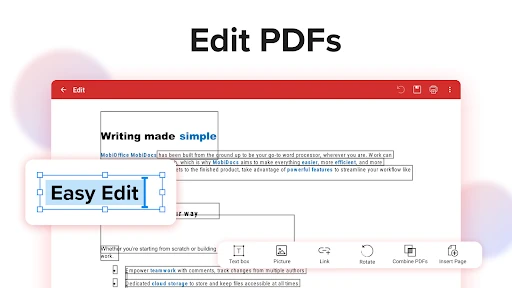
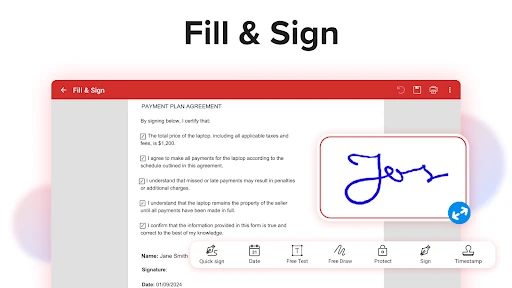
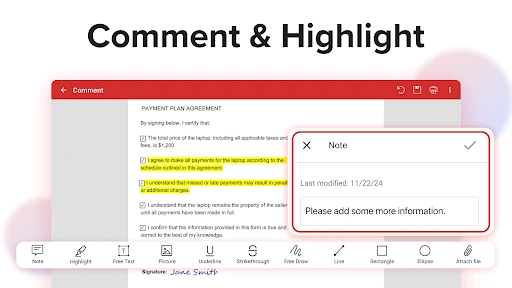
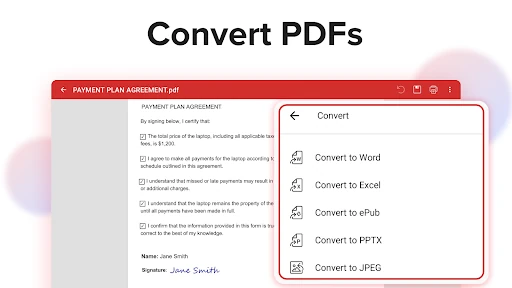
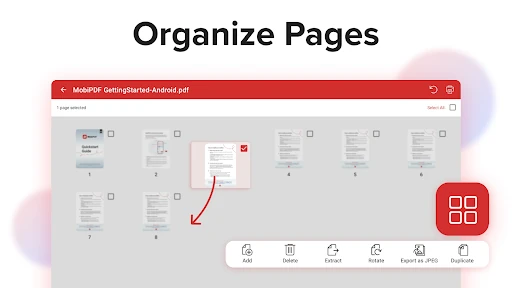
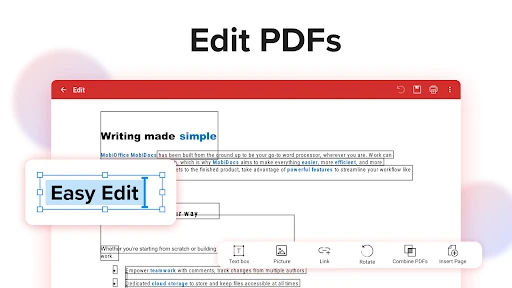
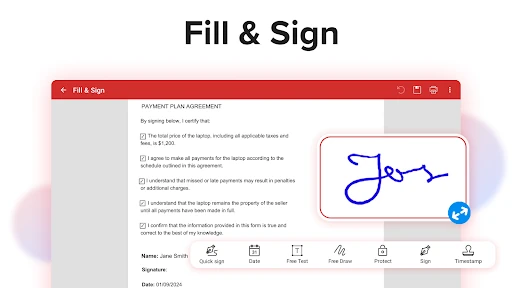
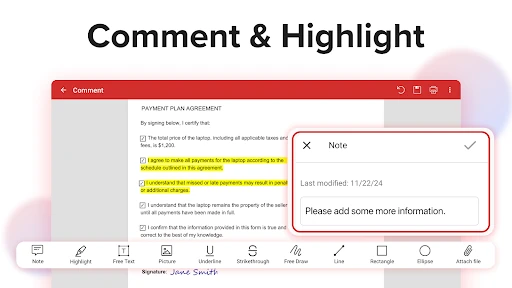
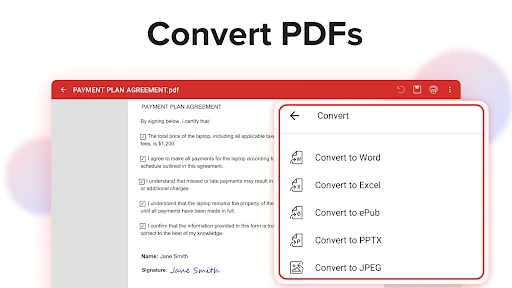
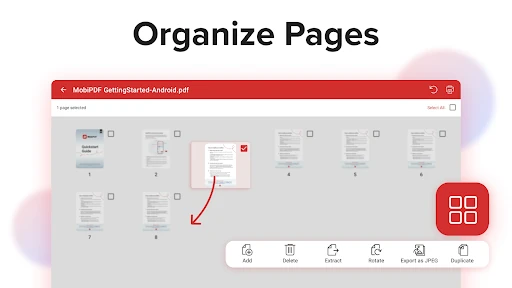
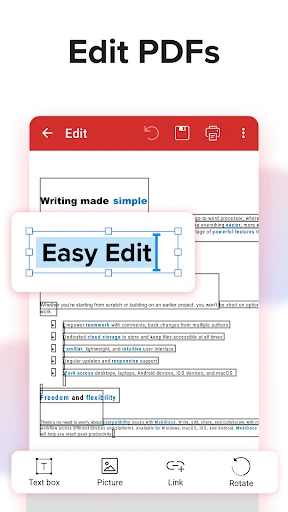
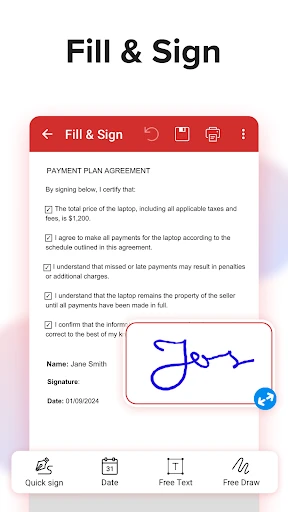
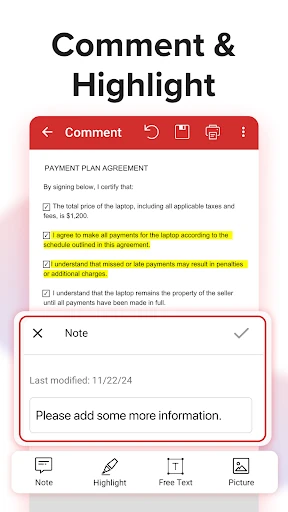
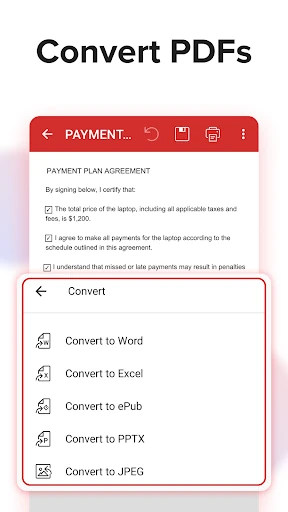
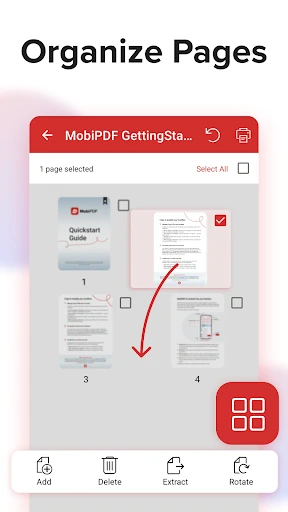
Mobi PDF covers more than basic annotation. You can edit text and pictures, add comments, drawings and signatures, fill supported forms, and protect documents with passwords, encryption or digital certificates. Page tools allow documents to be rearranged, rotated, duplicated, extracted, inserted or deleted, while separate PDFs can be merged. Conversion is available between PDF and Word, Excel, PowerPoint or ePub, with image-to-PDF support as well.
This is a broad business document toolkit rather than a minimal PDF viewer. That range is valuable if you need scanning, editing and signing in the same place, but it can feel like more application than a person who only reads PDFs needs. The app also ties cloud backup to an account: MobiDrive provides 5GB of storage, with an additional 50GB available through MobiPDF Premium. For people managing documents across several tasks, the combination is practical; for occasional reading, the extra tools may be unnecessary.