
Click to download now, finish the installation quickly, and directly unlock the all-round experience
Screenshots

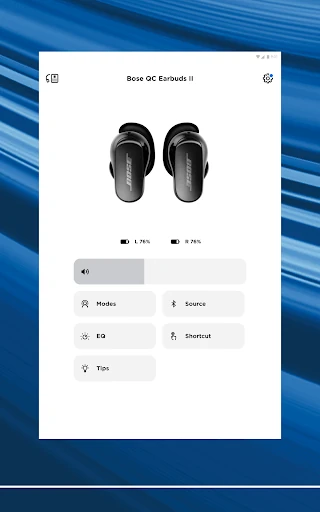
Click to download now, finish the installation quickly, and directly unlock the all-round experience
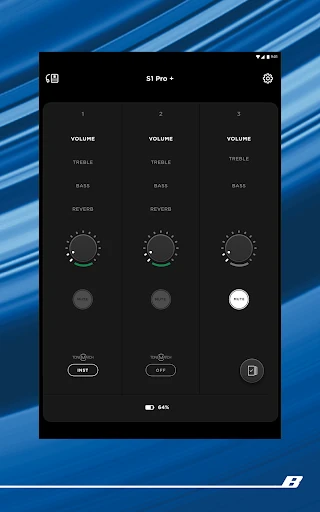
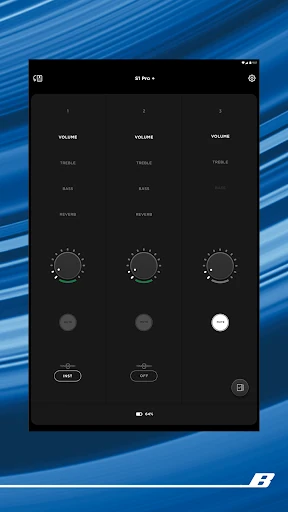
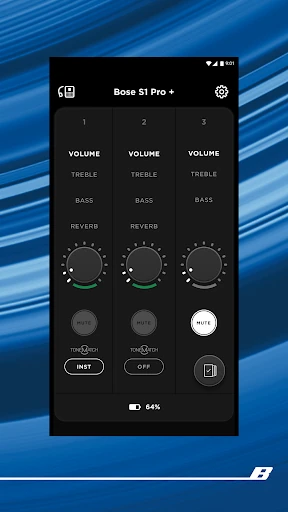
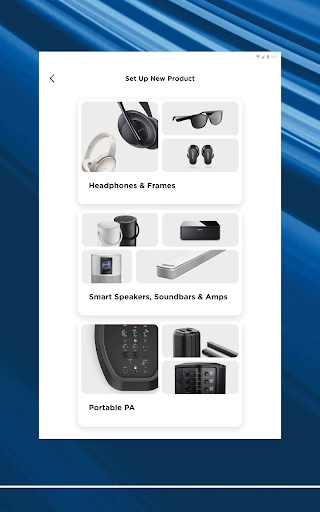
Bose is the control centre for Bose headphones, earbuds, speakers, soundbars, amplifiers, OpenAudio products and portable PA systems. It is aimed at people who own one or more compatible Bose devices and want to manage them from an Android phone rather than relying only on physical controls or a remote.
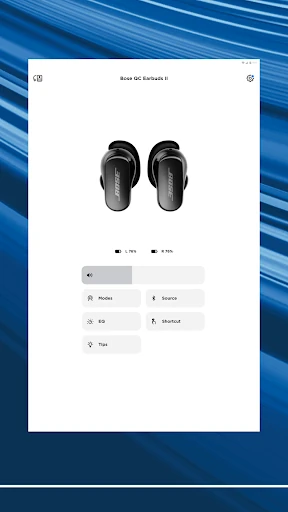
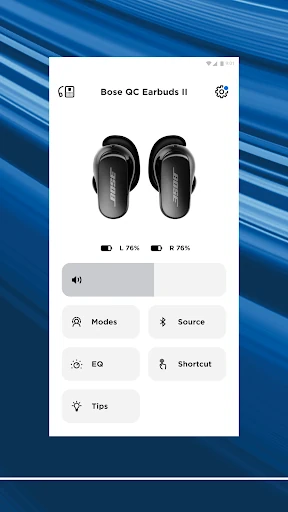
For QuietComfort headphones and earbuds, the app provides access to listening controls that are otherwise difficult to manage. You can switch between noise-cancelling and awareness modes, adjust the equaliser, configure available shortcuts and use supported features such as Immersive Audio on selected Ultra products. That makes it more useful than a simple playback remote when you want to tune how a device behaves.
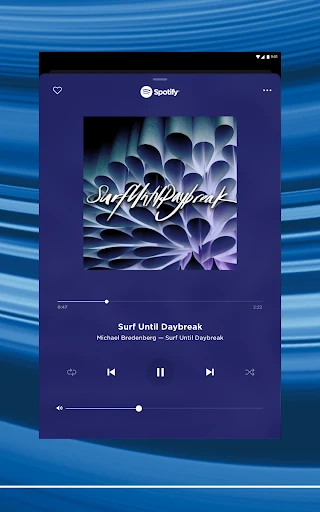
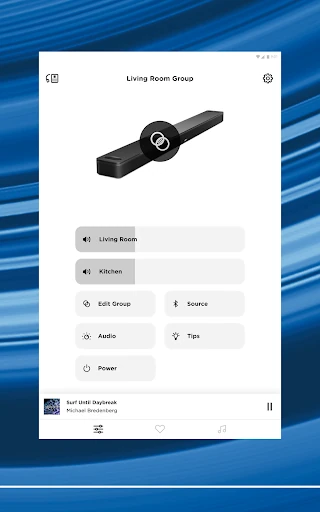
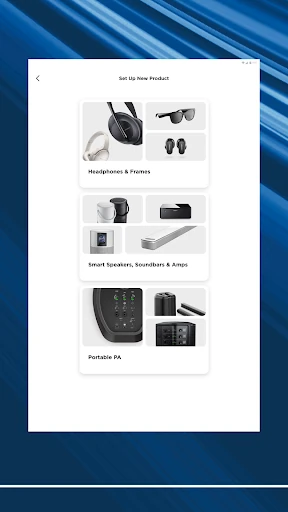
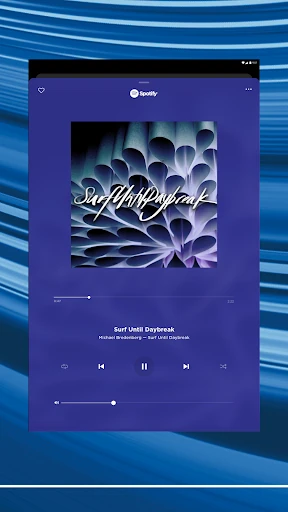
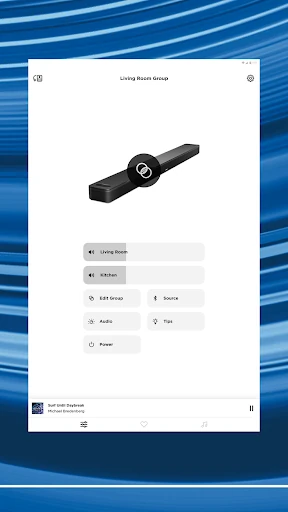
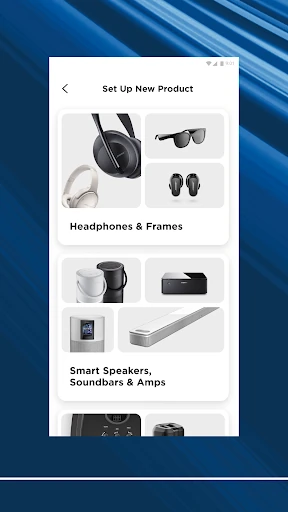
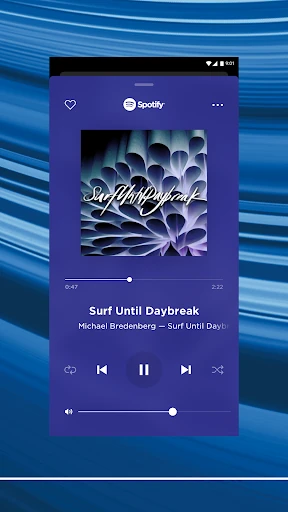
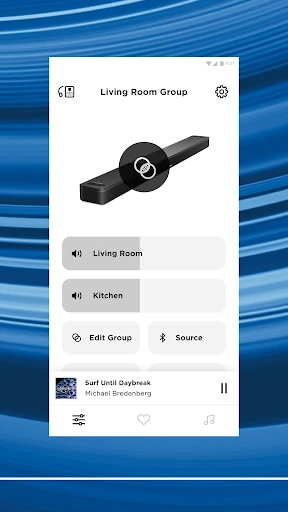
With Bose speakers and soundbars, the app handles product setup and gives you a single place to control compatible devices around the home. Supported music services can also be browsed from inside the app, while presets provide quick access to frequently used playlists or stations.
This is a practical companion for Bose owners, particularly anyone with QuietComfort gear or several Bose products. If you only use a basic speaker and rarely change its settings, the app may feel more like a required control layer than an everyday destination. Still, its broad adoption—10 million-plus installs and roughly 4.3 stars from 164,000 ratings—shows that it serves a large installed base. Bose Corporation develops the app.